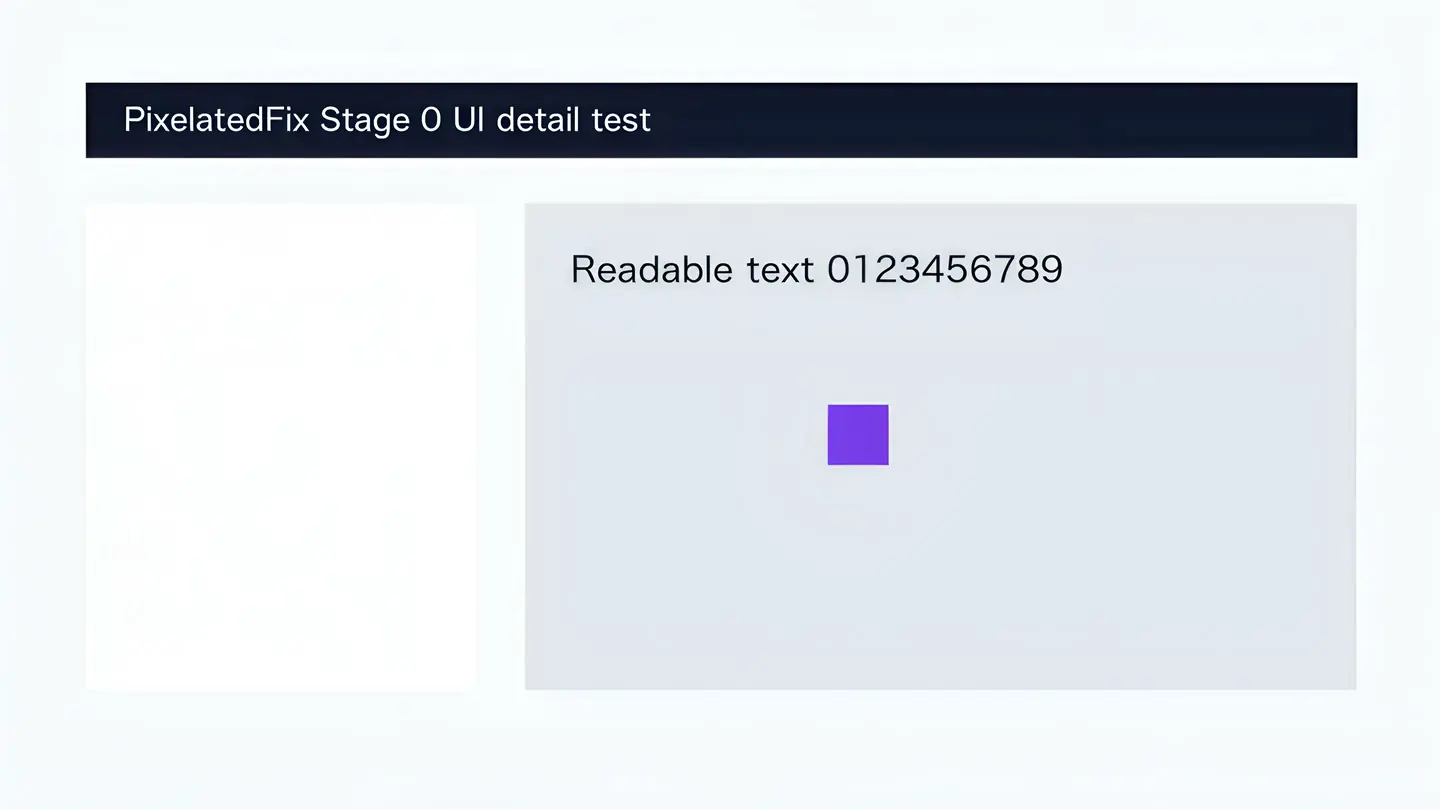
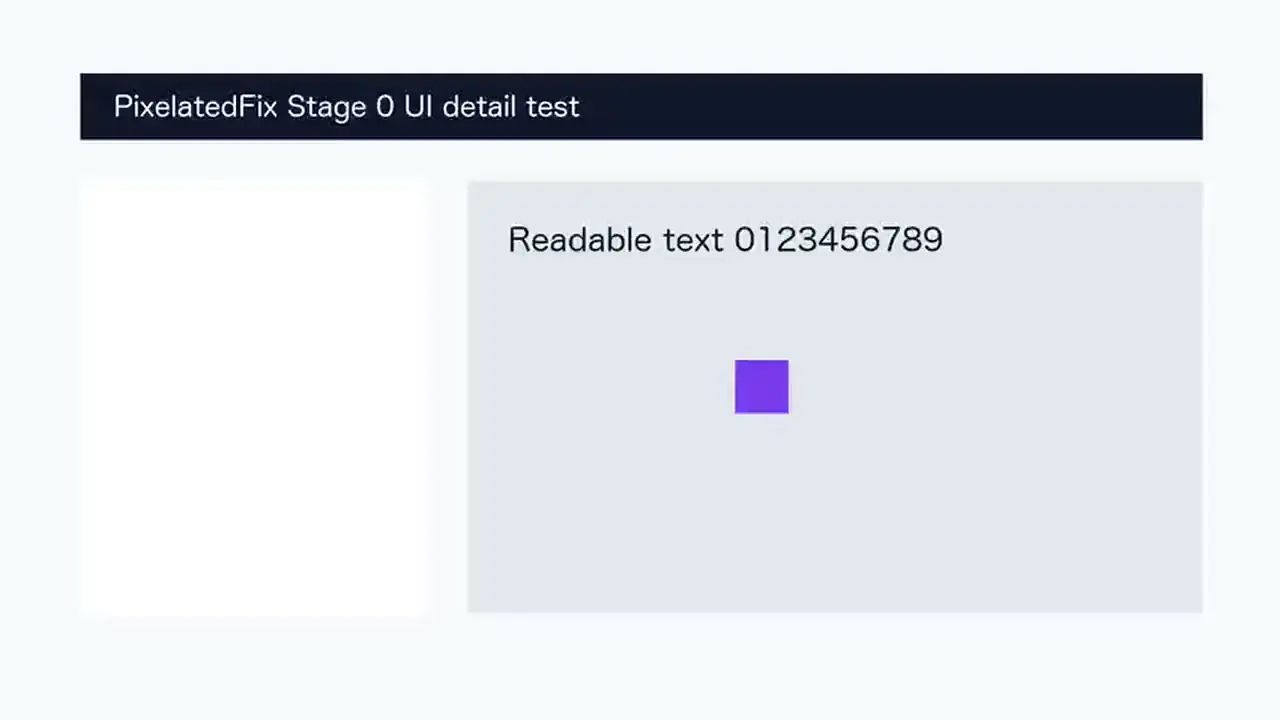
This low-bitrate interface recording keeps identical timing and crop while the verified Pro Quality process enlarges the 1280 × 720 source to 3840 × 2160.
Full-video outputs: 1080p · 2K · 4KThis page shows one real five-second 720p-to-4K case; results vary with the source.
VERIFIED PRO 4K CASE
Watch the interface video Before and After
Small text, one-pixel borders, and high-contrast UI edges reveal whether an upscale is genuinely easier to read. They also expose ringing and invented strokes that may look acceptable in natural footage.
Before
1280 × 720
After
3840 × 2160
Quality
Pro Quality · 4K
Duration
5 seconds
Verified Pro Quality result · Same timing and crop · Processing record checked
Before · 720p
After · 4K
Drag to compare
0:00 / 0:05After result audio
Source: PixelatedFix interface fixture · PixelatedFix example library · Original PixelatedFix example
WHAT TO INSPECT
Judge the moving result, not one still frame
Compare the smallest text while the moving shape crosses the interface.
Look for doubled strokes or halos around high-contrast letters.
Check thin borders over several frames for flicker or broken lines.